Managing Images
Let's take a look at the Images management.
Upload Images
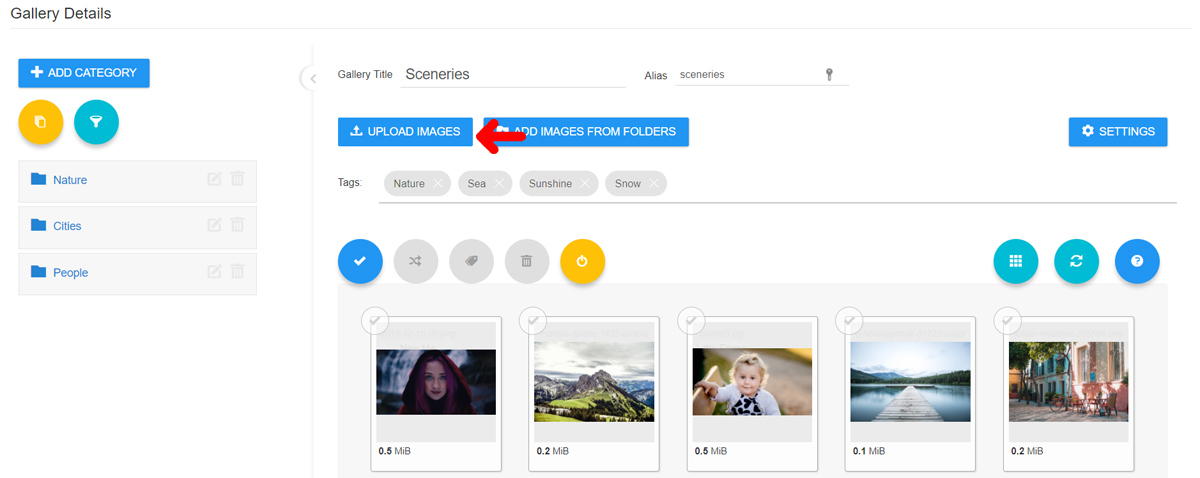
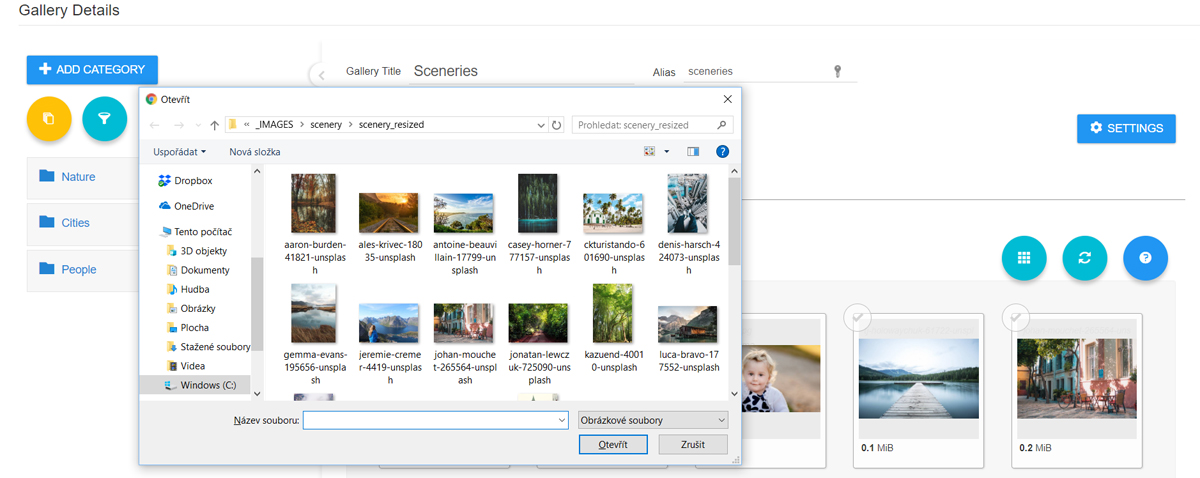
Upload Images from Desktop
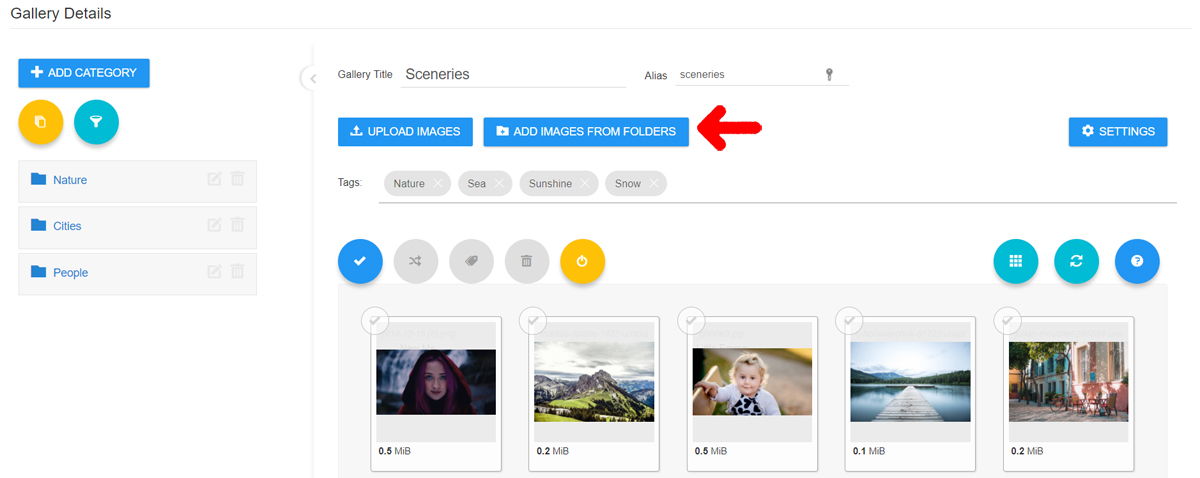
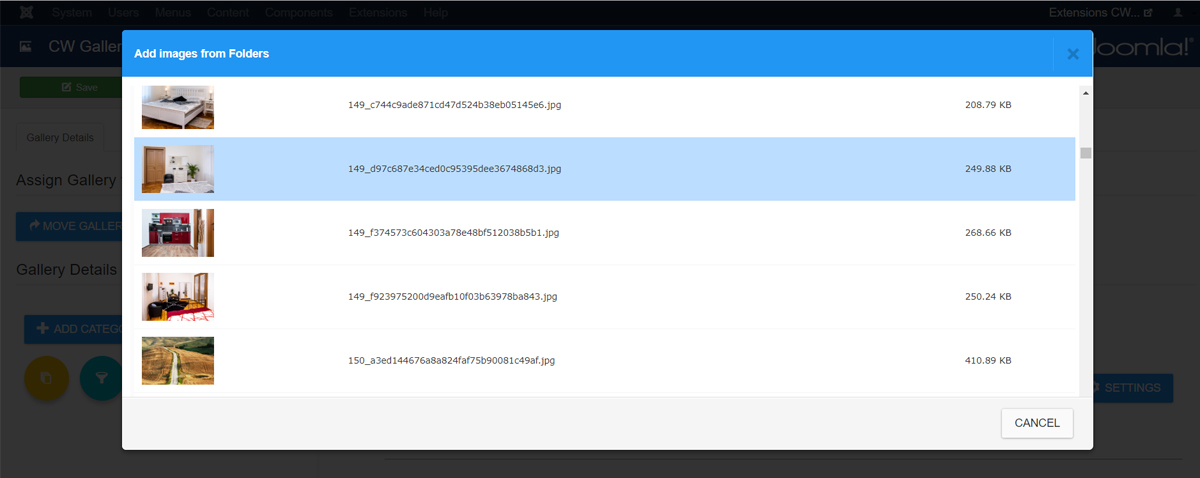
Add Images from Joomla Folder
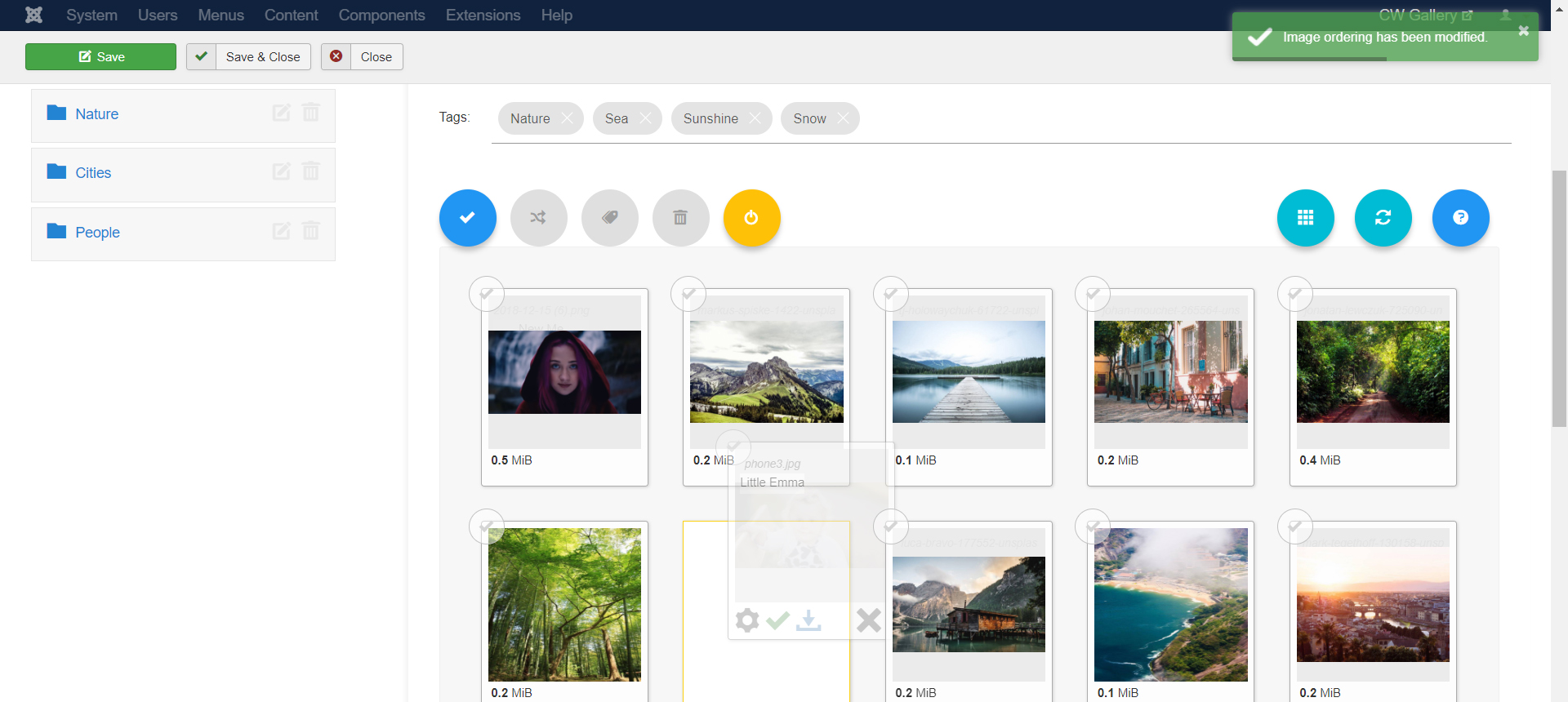
Sorting Images
Images can be ordered by simple drag and drop method.
Delete Images
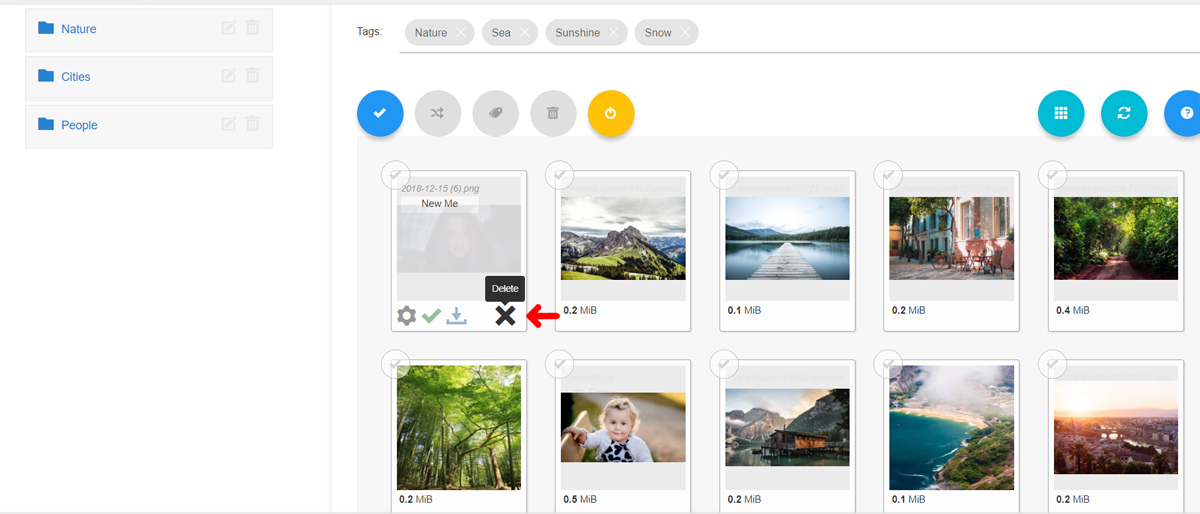
Deleting Single Image can be done via X icon on the Thumbnail Card.
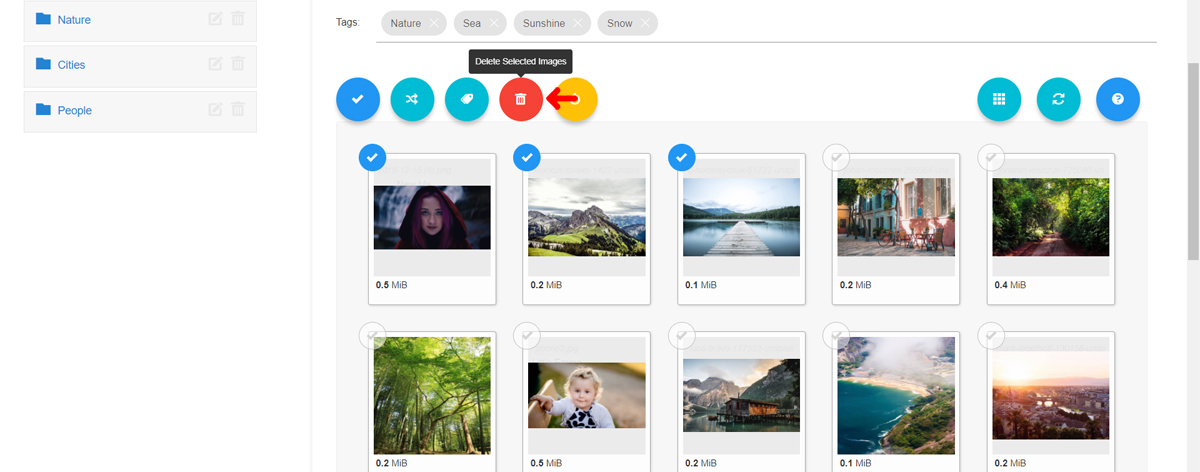
Deleting Multiple images can be done by Selecting Images by clicking on Check icon and then using the Action button Delete Selected Images. Then Confirm the action in Modal Window.
Move Images
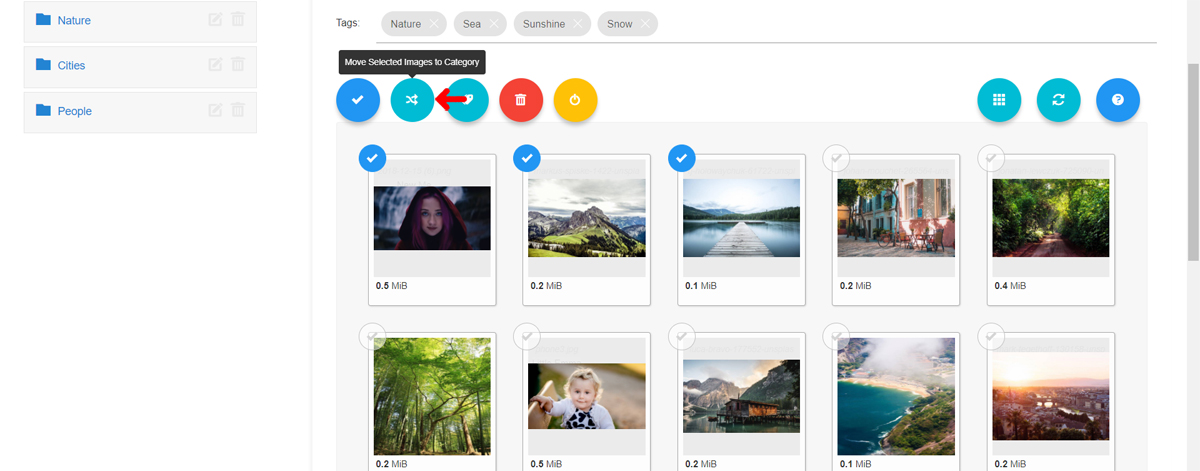
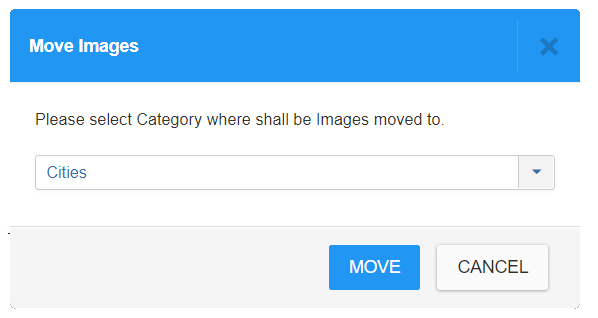
Select the Category where you want to Move selected Images and Confirm the Action.