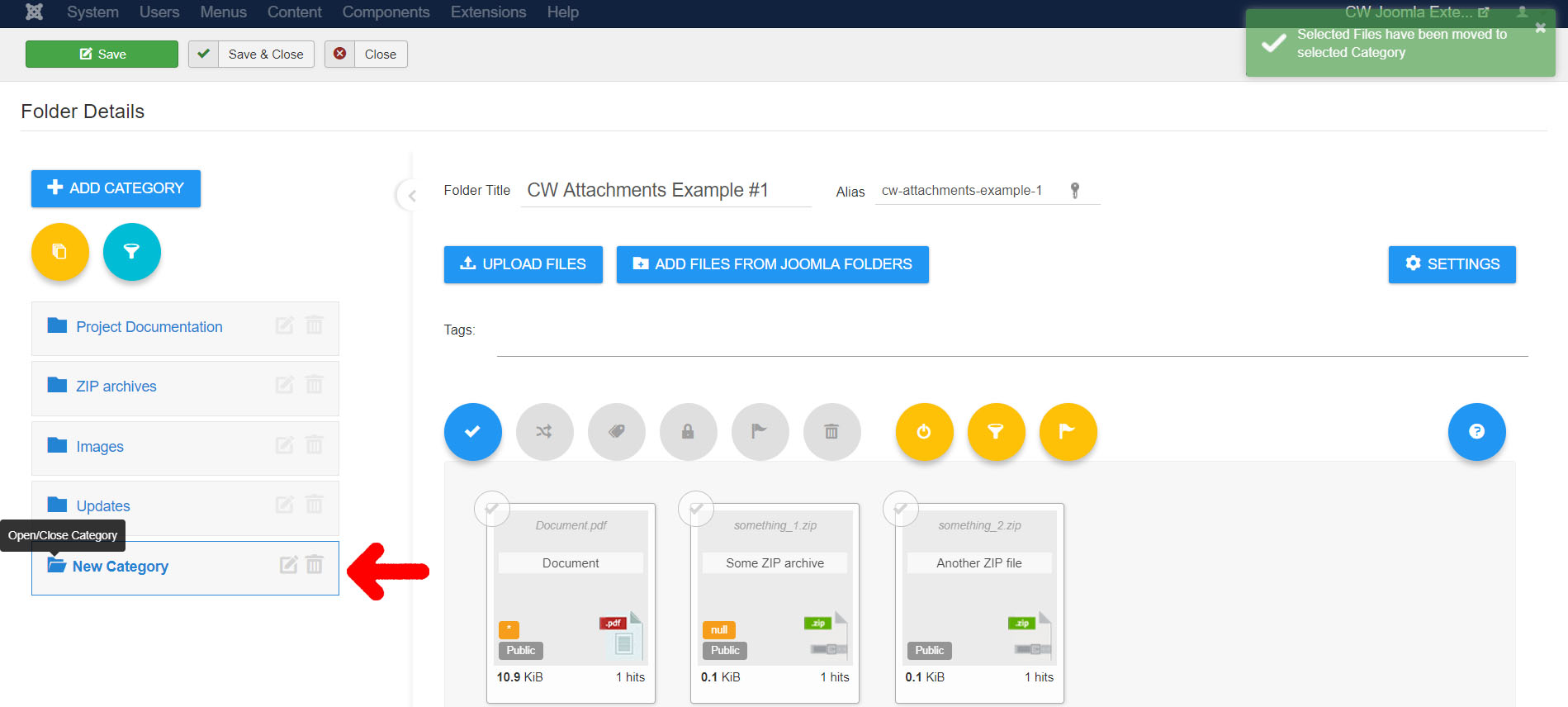
How to Use Categories in Attachments Folder
Attachments Folder can contain unlimited Categories. You can assign selected Images to a Category inside the Folder. Categories can be used for Filtering files in Admin panel and also in the Frontent Attachment Folders layouts.
1) Create a Folder
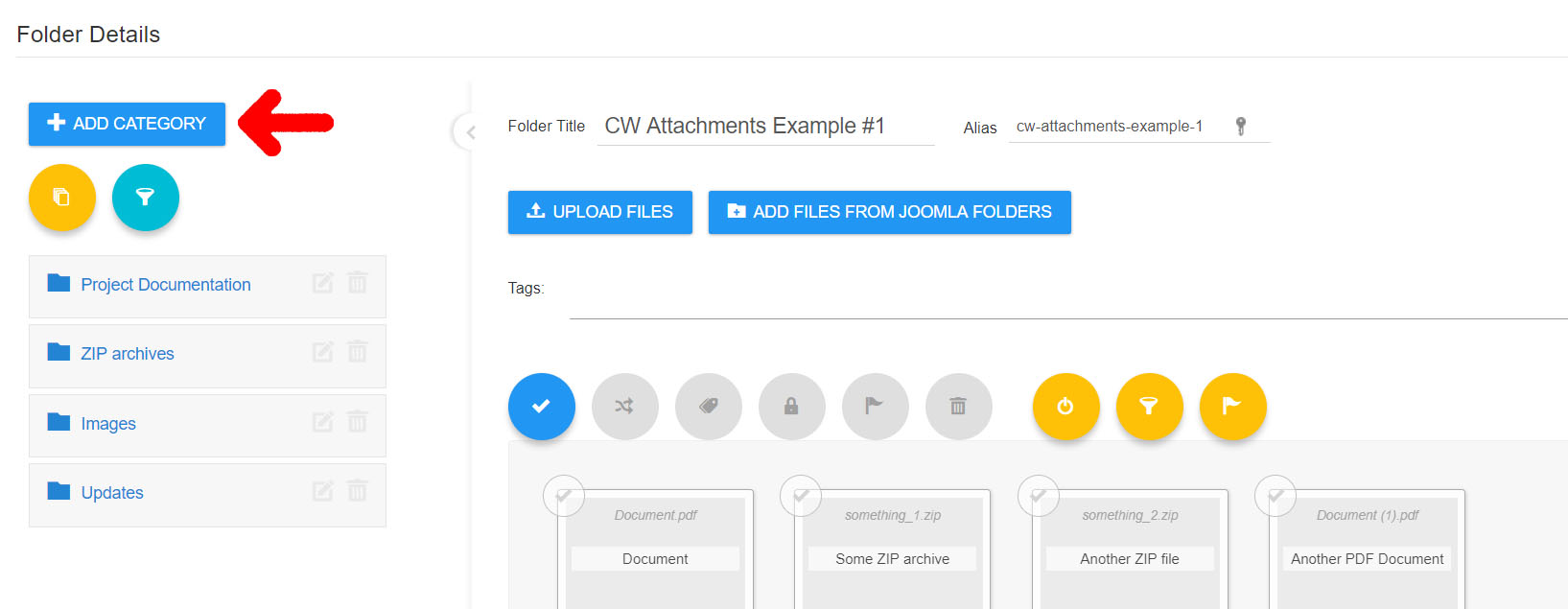
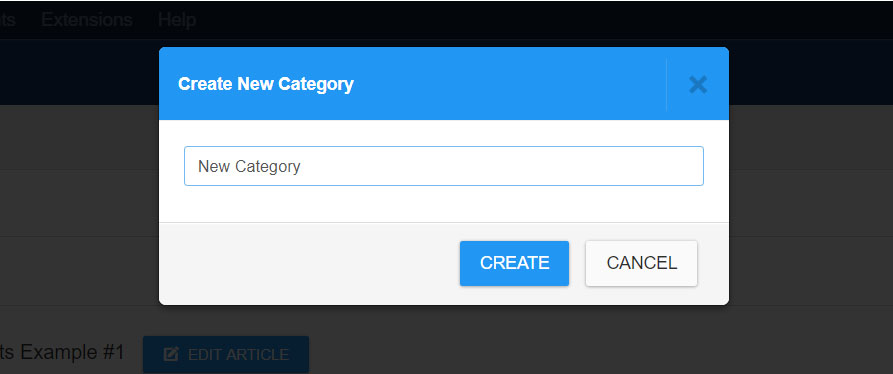
Set a Category Title
2) Select Files
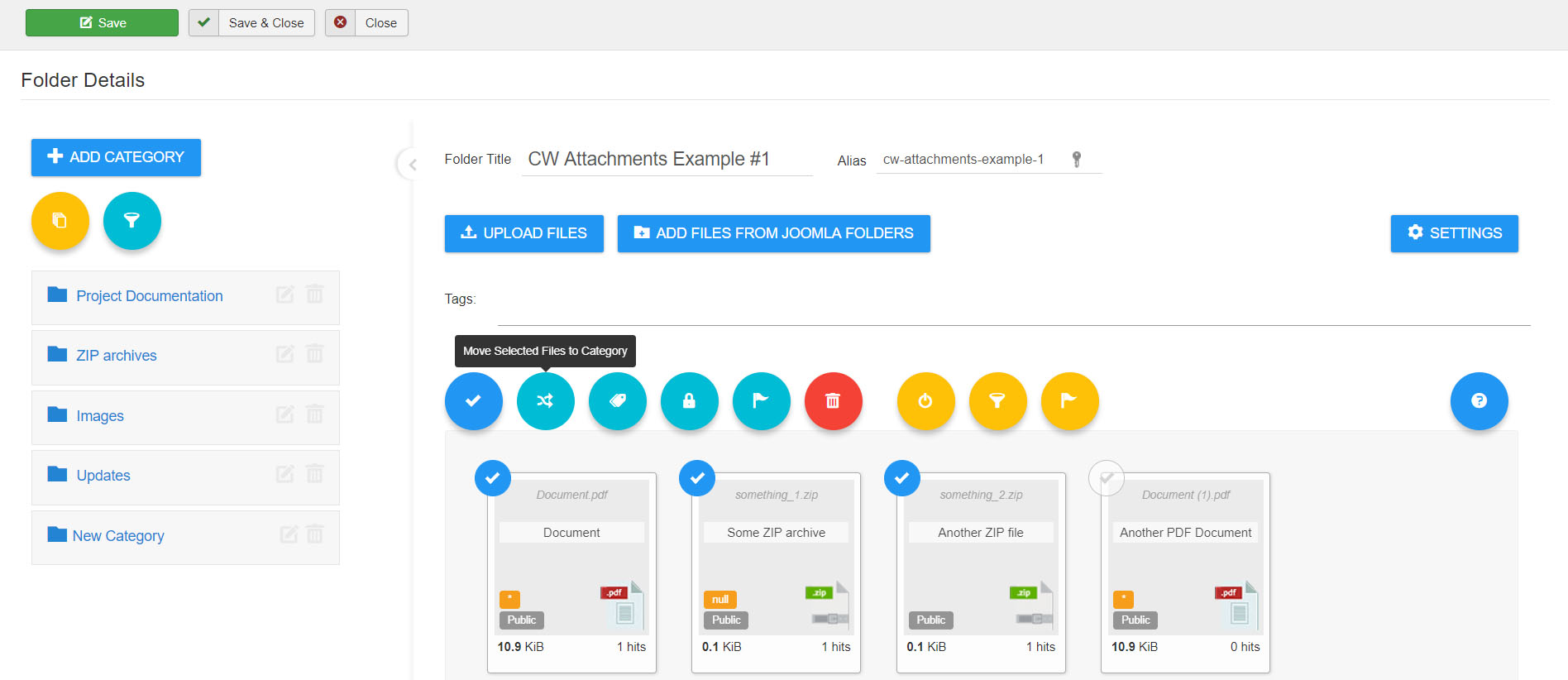
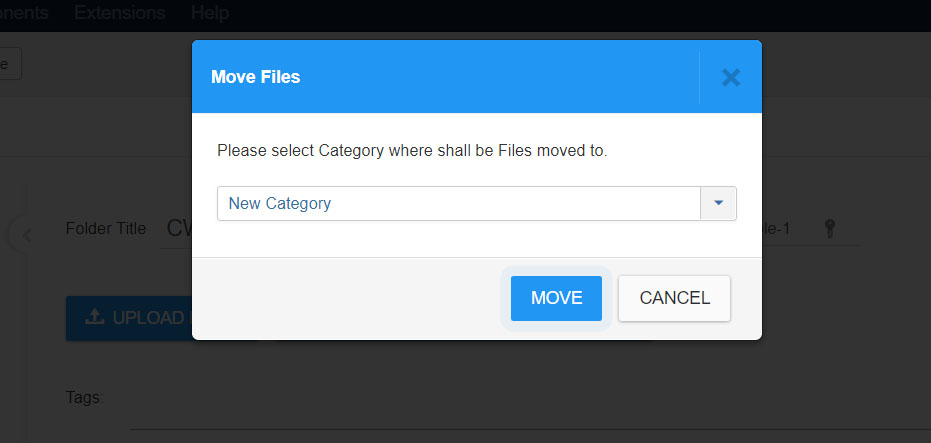
3) Move Files into the Category
4) Open a Category to see filtered files