How to Create a new Folder
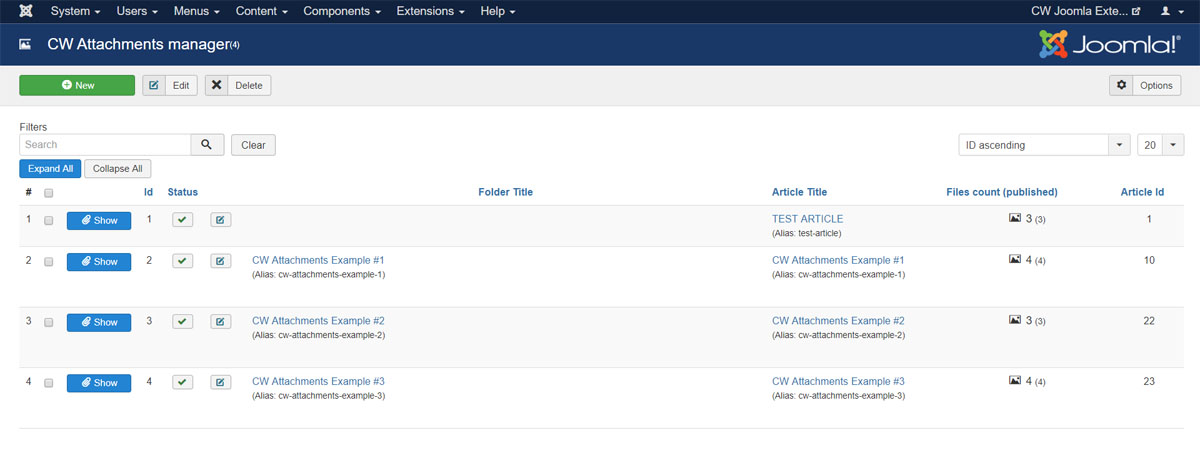
1) Go to menu Components -> CW Attachments and click to NEW button in toolbar
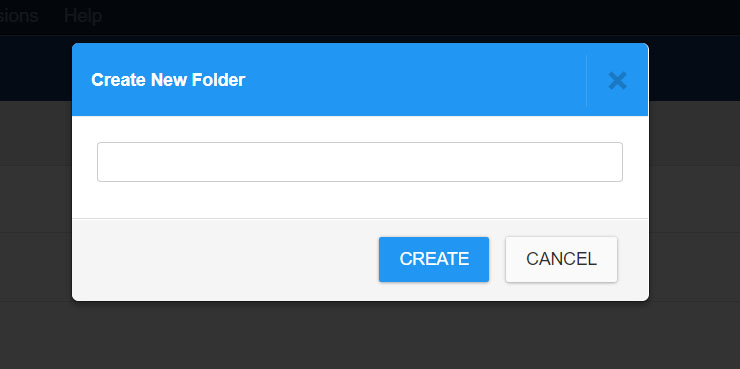
2) Set a folder Title or leave it blank and click CREATE button
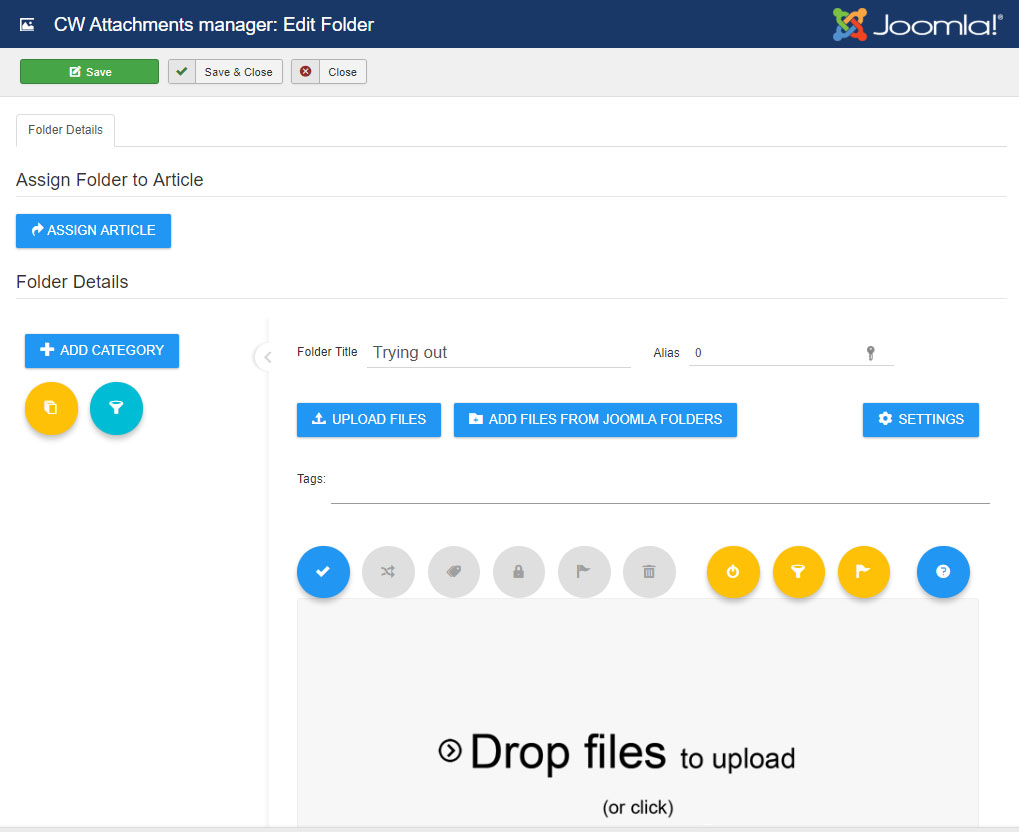
3) Now you can start working with the attachments manager
1) Go to menu Components -> CW Attachments and click to NEW button in toolbar
2) Set a folder Title or leave it blank and click CREATE button
3) Now you can start working with the attachments manager